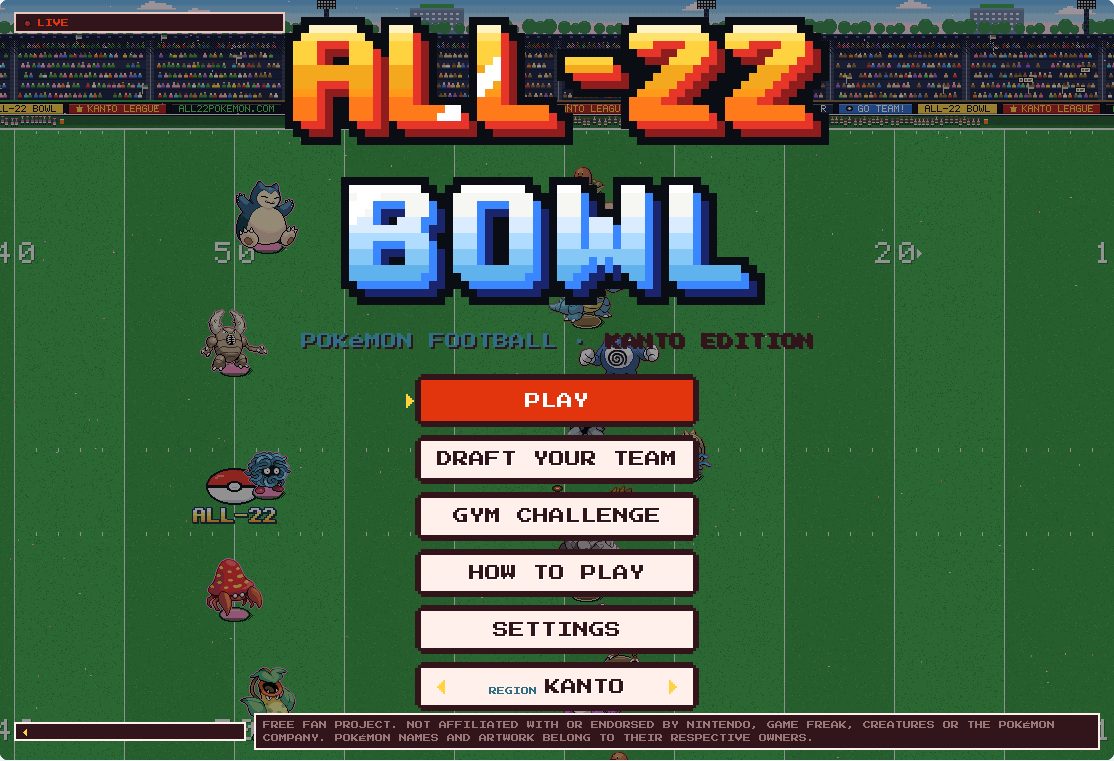
About the game
All-22 Pokémon Football turns American football into an 11-on-11 Pokémon game. You call a play, control a player and try to move the ball toward the opponent’s end zone. It is a live sports game with downs and field position, rather than a turn-based Pokémon battle.
This page offers two playable views from the .net edition. Start with a preset team, choose an opponent and play four quarters. You can begin without opening a separate team builder.
Choose your experience
BOWL: side-view football
A wide view makes it easier to follow the ball carrier, blockers and defenders. Choose offensive and defensive calls, then take control on the field.
PRO: behind the huddle
Read the field from behind the team. Pick a formation and play, snap the ball and use receiver numbers for passes. Kicking uses its own timing prompts.
Controls & first steps
- Choose BOWL for side-view football or PRO for a camera behind the team.
- Load the game, choose a preset team and select your opponent.
- Follow the in-game prompts to start the match and choose plays.
- Use each game’s How to Play or Controls panel. Keyboard controls can be remapped; on phones, use landscape and touch controls.
Keyboard controls| Action | BOWL | PRO |
|---|
| Move | WASD / arrows | WASD / arrows |
|---|
| Confirm a play | Enter / numbered cards | Enter / numbered cards |
|---|
| Snap / contextual action | Space / J | Space to snap |
|---|
| Pass | Receiver numbers shown in game | 1–5 |
|---|
| Sprint / secondary action | Shift / K, depends on play | Shift |
|---|
| Pause | Esc / P | Pause button / Esc |
|---|
On phones, rotate to landscape. Use Fullscreen if a menu or control is cut off.
Beginner tips
- Start with BOWL if you want to see the whole play develop. Try a short running play before learning the passing controls.
- Watch the down, yards to gain and field position. On fourth down, compare the distance with the punt or field-goal options instead of always forcing a pass.
- The tested settings include two-minute quarters. At the final whistle, review the team statistics before selecting REMATCH for a fresh 0–0 game.
Frequently asked questions
What is the difference between BOWL and PRO?
BOWL uses a side view; PRO places the camera behind the team and has a different control layout. Both are playable football matches.
Do I need to build a team first?
No. Choose a preset team in either game. The Builder and season simulator are not separate modes on this Daily Red page.
Can I play on a phone?
Use landscape and the in-game touch controls. Fullscreen helps when menus feel cramped. Desktop and Chromium touch emulation were checked; device behavior can vary.
What happens when a match ends?
The final screen shows the result and statistics. REMATCH starts a new game; both modes were checked through four quarters and a restart.
Do I need a download or a Daily Red account?
No installer or Daily Red account is required for the tested browser matches. JavaScript and access to the external game host are needed.
Why is the game blank or ignoring keys?
Give it time to load, then click inside the game. Try Fullscreen or Reload. If the source is unavailable, use Open source site; Daily Red cannot repair the external host.
Progress, language & source
This window loads the third-party All-22 edition at all22pokemon.net, not the original all22pokemon.com site. The tested interface is English. Choose a preset team to start playing; Builder is not required. Game storage belongs to the source site and may vary by browser or embedding context. For accounts or online play, open the source site.
All-22 and PokéSurvivor connect to their external hosts only after you press Play. Their operators receive the requests needed to serve the game and may use their own storage, analytics or advertising. Their policies and browser storage restrictions apply. Embedded-game progress is separate from Daily Red Classic and Quick records and is not included in the Daily Red backup.
All-22 credits @ColeThereum and @OldTownJB. PokéSurvivor is by jpter78. These are independent fan projects; Pokémon names and characters belong to their respective rights holders. Daily Red does not operate the external game services.
Preview images are screenshots of the embedded games. PokéSurvivor sprites: SpriteCollab (CC BY-NC 4.0).